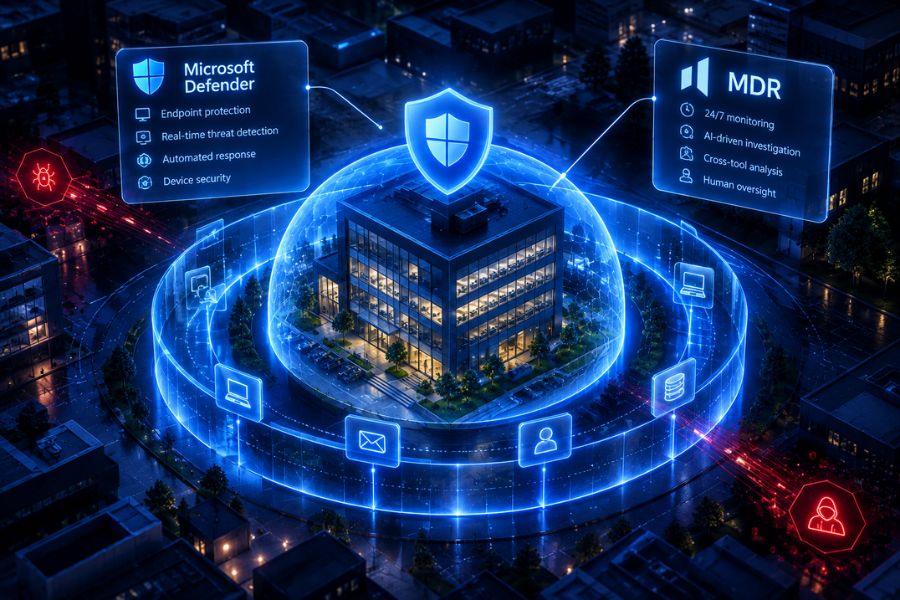
A security alert is only the beginning of an investigation. IT teams still need to understand what happened, identify affected systems, assess the risk, and decide how to respond.
Agentic MDR (Managed Detection and Response) helps automate parts of this process using AI Security Agents that collect evidence, connect security events, and support faster decisions.
But what does an AI-driven security investigation actually look like?
Let’s follow a practical example.
Step 1: A Suspicious Login Triggers an Alert
Imagine an employee’s account receives a login attempt from an unfamiliar location.
An identity security tool flags the activity as suspicious. The login could indicate stolen credentials, but it could also be a legitimate employee accessing their account while travelling.
In a traditional workflow, an IT administrator or security analyst may need to investigate the alert manually.
With Agentic MDR, an AI Security Agent can begin gathering relevant information automatically.
Step 2: AI Security Agents Gather Evidence Across Security Tools
A single alert rarely provides enough context to understand an incident.
AI Security Agents can examine information from multiple connected security systems, including:
- Identity security: Recent logins, failed authentication attempts, and unusual locations.
- Endpoint protection: Suspicious processes or activity on the employee’s device.
- Email security: Potential phishing messages that may have exposed credentials.
- Security logs: Related events that help establish a timeline.
This process helps build a clearer picture of the activity.
For businesses already using several security products, connecting this information is particularly valuable. Our guide on connecting your existing security tools without adding more noise explains why.
Step 3: The AI Security Agent Assesses the Threat
Once the evidence has been collected, the AI Security Agent analyses the available information and compares it with similar historical cases to reduce the likelihood of false positives.
For example, it might identify that the suspicious login followed a phishing email and was accompanied by unusual account activity.
Together, these signals could indicate a compromised account.
The investigation may produce:
- A summary of suspicious activity.
- A timeline of related events.
- An assessment of the potential risk.
- Supporting evidence from connected tools.
- Recommended next steps.
This helps security teams focus on alerts that require attention.
It also addresses a common challenge for smaller organisations: security alert fatigue.
Step 4: The System Recommends or Initiates a Response
After assessing the threat, the next step is determining what action should be taken.
Depending on the security tools, available permissions, and configured policies, possible responses include:
- Inform the affected user
- Requesting additional authentication.
- Blocking suspicious access.
- Isolating an affected endpoint.
- Escalating the incident for human review.
- Recording the findings for further investigation.
Some actions can be automated, while others require approval.
Human oversight remains particularly important when a response could affect employees, business systems, or critical operations.
Businesses considering this technology should understand how Agentic MDR compares with an AI SOC before choosing an approach.
Step 5: The Investigation Is Documented
Once the incident has been addressed, the investigation findings should be recorded.
A useful incident report includes what triggered the alert, the evidence collected, the actions taken, and whether further investigation is required.
These records support internal reviews, compliance activities, and future security improvements.
For lean IT teams, structured reporting also reduces the time spent documenting incidents manually.
How HOPLONai Supports AI-Driven Security Investigations
HOPLONai is designed to bring signals from existing security tools together, reduce unnecessary alerts, and help teams identify risks that need attention.
Its Agentic MDR approach supports security investigations through connected information, AI-driven analysis, and controlled response workflows.
For SMEs and MSPs managing multiple security systems, this can provide greater visibility and reduce repetitive investigation work.
Want to see how HOPLONai can help your team investigate threats and respond faster? Book a demo with HOPLONai and explore its Agentic MDR capabilities.